
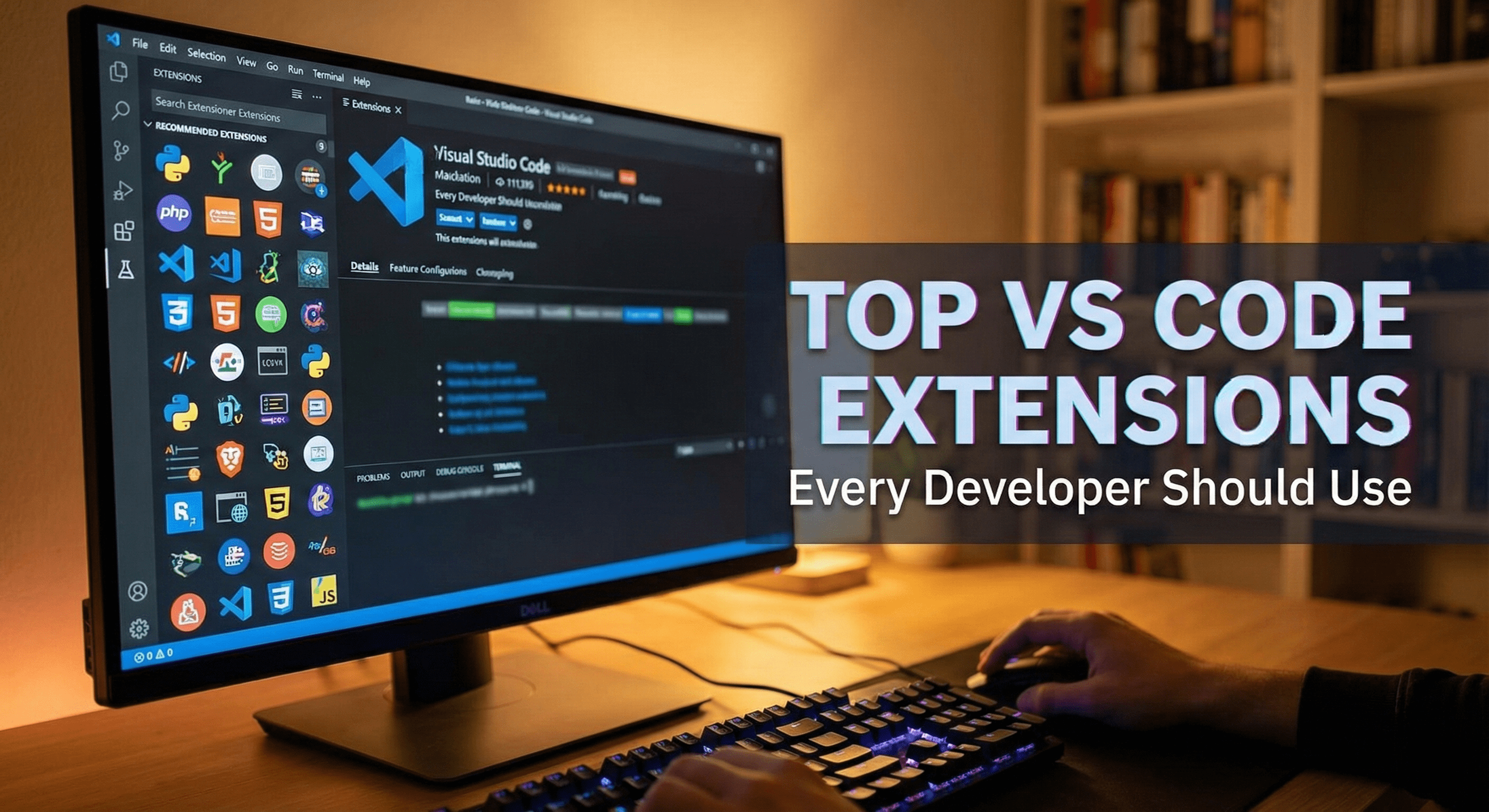
Top VS Code Extensions Every Developer Should Use
A code editor is more than just a place to type text; it is the command center of your daily workflow. While Visual Studio Code (VS Code) is powerful out of the box, its true potential lies in its ecosystem. A well-configured editor reduces cognitive load, automates the mundane, and lets you focus on what actually matters: solving logic problems.
Optimizing your environment isn't about hoarding tools—it's about selecting the right ones to enhance developer productivity and streamline code editing. Here are 8 essential VS Code extensions that deliver high-impact improvements to your workflow.
1. Prettier - Code Formatter
- The Hook: Stop wasting mental energy on manual indentation and formatting debates.
- Core Value: Prettier enforces a consistent style across your entire project automatically. By configuring it to "Format On Save," you instantly transform messy code into a clean, readable standard every time you hit Ctrl+S. It eliminates the need for style reviews and ensures your codebase remains uniform, even when working with a large team.
2. GitLens — Git Supercharged
- The Hook: Visualize code authorship and history without ever leaving your current file.
- Core Value: GitLens deepens your understanding of a codebase by injecting "current line blame" directly into the editor. You can instantly see who wrote a specific line, when it was changed, and the associated commit message. This context is invaluable for debugging "legacy" code or understanding the intent behind a complex logic block without digging through CLI logs.
3. Error Lens
- The Hook: Why hover over a red squiggly line to see the error when you can read it right next to the code?
- Core Value: This extension dramatically speeds up debugging by printing error and warning messages inline, right at the end of the affected line of code. It highlights the entire line in a distinct color (red for errors, yellow for warnings), making issues impossible to miss. It turns abstract syntax checking into immediate, actionable feedback.
4. REST Client
- The Hook: Test your APIs directly in VS Code without context-switching to heavy external applications.
- Core Value: Instead of managing complex GUIs like Postman for quick checks, REST Client allows you to write HTTP requests in a simple .http file. You can store these files in your repository, allowing your team to version control their API test cases. A simple "Send Request" button appears above your code, displaying the response in a split pane instantly.
5. Live Server
- The Hook: Launch a local development server with a single click and see your changes live.
- Core Value: For web developers, the "change code > alt-tab > refresh browser" loop is a major productivity killer. Live Server automates this by hot-reloading your browser whenever you save a file. It is a fundamental tool for rapid front-end prototyping and workflow automation, keeping you in the flow state.
6. Auto Rename Tag
- The Hook: Rename an opening HTML/XML tag, and the closing tag updates automatically.
- Core Value: Modifying HTML structures often involves tediously finding the matching closing tag to keep things in sync. This extension handles that mirroring for you. Whether you are changing a div to a section or a custom React component, this simple utility prevents broken layouts caused by mismatched tags.
7. Code Spell Checker
- The Hook: Catch embarrassing typos in variable names and comments before they reach production.
- Core Value: We often treat code as purely functional, but it must also be readable. A typo in a variable name like recieveData instead of receiveData can cause headaches later. This extension reads camelCase and snake_case specifically, flagging spelling errors in your code and comments just like a word processor, ensuring your professional polish remains high.
8. Material Icon Theme
- The Hook: Navigate your project faster with visual cues that make file types instantly recognizable.
- Core Value: The default file icons in VS Code can be generic and hard to scan. Material Icon Theme applies a comprehensive set of distinct, colorful icons to your file explorer. It allows your brain to recognize folders, images, and specific code files (like .ts, .json, or .css) by shape and color rather than reading extensions, significantly speeding up file navigation.
Summary
Your development environment should work for you, not against you. By integrating these essential tools, you reduce friction in your daily tasks, from formatting and debugging to API testing and navigation. These extensions don't just add features; they remove obstacles.